
After completing the Free Demo Migration, review the migrated records in your target help desk. Thoroughly check the results to ensure they meet your requirements.
To see the imported data, follow these general steps:
Once the Demo Migration is complete, you'll receive a summary table showing the number of transferred records along with downloadable files.
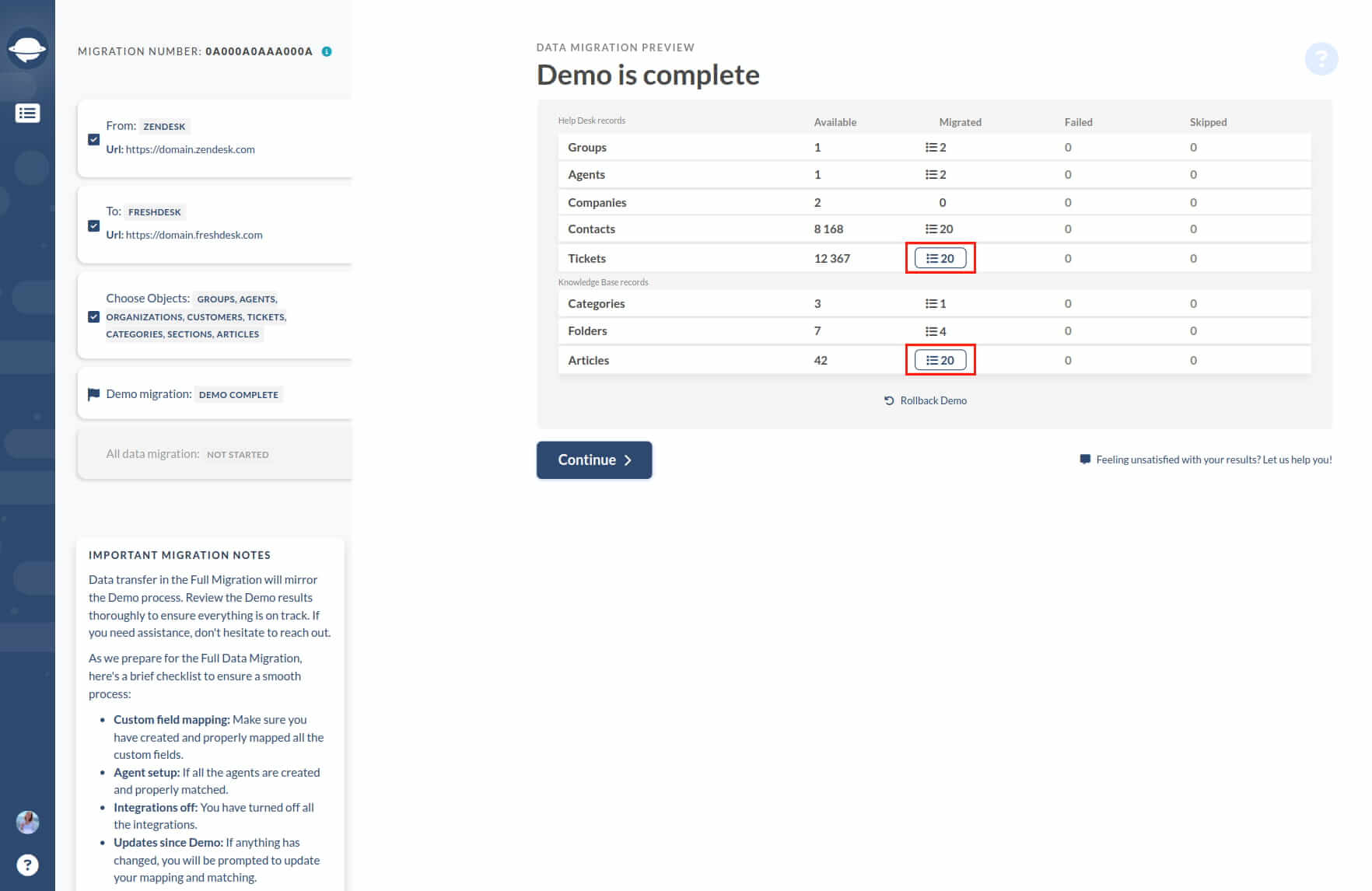
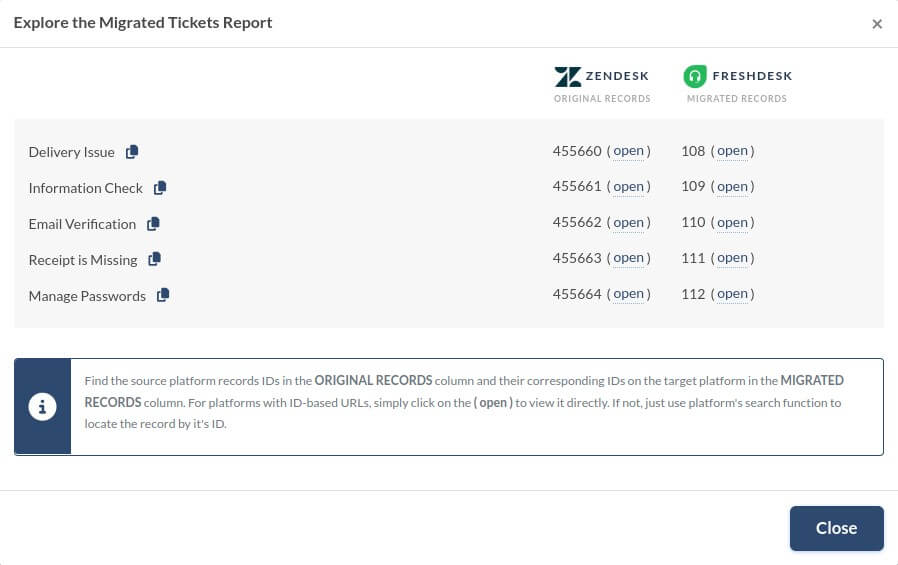
Click on the migrated records to access a list of records used for the Demo, along with their IDs from the source and target databases. Each record ID will be clickable, providing a direct link to its location in both systems.
Comments
0 comments
Please sign in to leave a comment.